

Trusted by:
University of Southern California
Warner Bros.
Volvo
Amazon
Stanford University
Search
Updated: August 07, 2026
18 min read
Here’s the list of the best badge makers in 2026. With Certifier, compare features, pros and cons, reviews, and prices to find your perfect match.
Research with AI:
Digital badge makers have been taking over as the latest way to show off your achievements in various fields, from education to business professional development. But with so many digital badge platforms out there, it's hard to know which one to choose.
That's where digital badge software like Certifier comes in!
We took a look at each digital badge maker's pricing structure, including any free or low-cost options, as well as the features and functions that they offer. We'll also examine the pros and cons of each digital badge platform to help you make the most informed decision.
And the icing on the cake – a comparison table allowing you to compare all options at once! So, let's dive in and explore the best badge maker available today.
TL;DR
Digital badge makers are revolutionizing how we showcase skills and achievements across education and professional development.
In this guide, we compare the top digital badge platforms — including Certifier, Credly, Canvas Badges, and Open Badge Factory — covering pricing, key features, and pros and cons.
You’ll also find a comparison table to help you pick the best tool for your needs, whether you want automation, analytics, or a free plan to start issuing badges instantly.

Before we start our comparison, let’s take a quick look at the core features you should watch out for when choosing a digital badge maker. The right tool doesn’t just create pretty visuals—it helps you save time, verify achievements, and make your credentials truly shine online.
Here’s your quick checklist:

Custom design flexibility – choose a tool that lets you create badges that match your brand perfectly.
Automation and bulk issuing – ensure the platform supports smooth workflows and saves valuable time.
Built-in verification – badges should be secure, authentic, and easy to validate.
Effortless sharing – the best tools allow one-click sharing on LinkedIn, websites, or email signatures.
Real-time tracking and analytics – monitor engagement and see how recipients interact with their badges.
Seamless integrations – look for compatibility with tools like Google Forms, Zapier, or your LMS. This is particularly important for enterprise digital badging.
Let's take a quick look at these top online badge makers and their features for digital badges.
Tool | Type | Free Plan | Entry Price | Badge Templates | Design Features | Social Sharing | Analytics Tracking | Integrations |
|---|---|---|---|---|---|---|---|---|
Certifier | Issuing + verification | Yes | Free; from $42/month (billed annually) | Yes | Advanced | Yes | Yes | Yes |
Open Badge Factory | Issuing + verification | No (60-day trial) | €220/year | Yes | Medium | — | Yes | Pro tier only |
Canvas Badges | Issuing + verification | No | Not public | — | Basic | — | Yes | Yes |
Accredible | Issuing + verification | No | $45/month (12-month term) | Yes | Advanced | Yes | Yes | Yes (API is an add-on on the entry plan) |
Credly | Issuing + verification | No | Not public | Yes | Advanced | Yes | Yes | Yes |
Openbadges.me | Issuing + verification | Yes (10 recipients) | $55/month or $620/year | Yes | Medium | Yes | Yes | Yes |
Badge List | Issuing + verification | Yes (100 recipients) | $180/month or $1,980/year | Yes | Advanced | Yes | Yes | API only |
TruScholar | Issuing + verification | Yes | Not public | Yes | Basic | Yes | Yes | Yes |
Basno | Issuing + verification | No | $55/month (billed annually) | — | Basic | Yes | Yes | Yes |
Bestr | Issuing + verification | Not applicable | Not public | — | None | — | — | — |
Virtualbadge.io | Issuing + verification | No (7-day trial) | $26/month (billed yearly) | Yes | Advanced | Yes | Yes | Growth tier and above |
CanCred | Issuing + verification | Yes (Passport) | $395 CAD/year | — | None | Yes | — | Yes (LTI) |
Canva | Design only | Yes | $15/month | Yes | Advanced | — | — | — |
Adobe Express | Design only | Yes | Free; from $10.99/month | Yes | Advanced | — | — | — |
myCred.me | In-site gamification | Yes (core plugin + Badges add-on) | Free core; paid add-ons | Default set | Badge editor | — | Yes | WordPress + Zapier |
Important: Pricing and features verified against each vendor's public pricing pages. Entry price is the cheapest paid tier with its billing period. Where a vendor publishes no pricing, the cell reads "Not public" rather than carrying an estimate.
Deciding between the top two contenders: Certifier and VirtualBadge? While both are excellent, they offer different strengths in design and pricing. See how they stack up in our Certifier vs. Virtualbadge comparison to find the best fit for your badge workflow.
If you're considering alternatives to Accredible badges or POK alternatives specifically, we have in-depth comparisons on those alone.
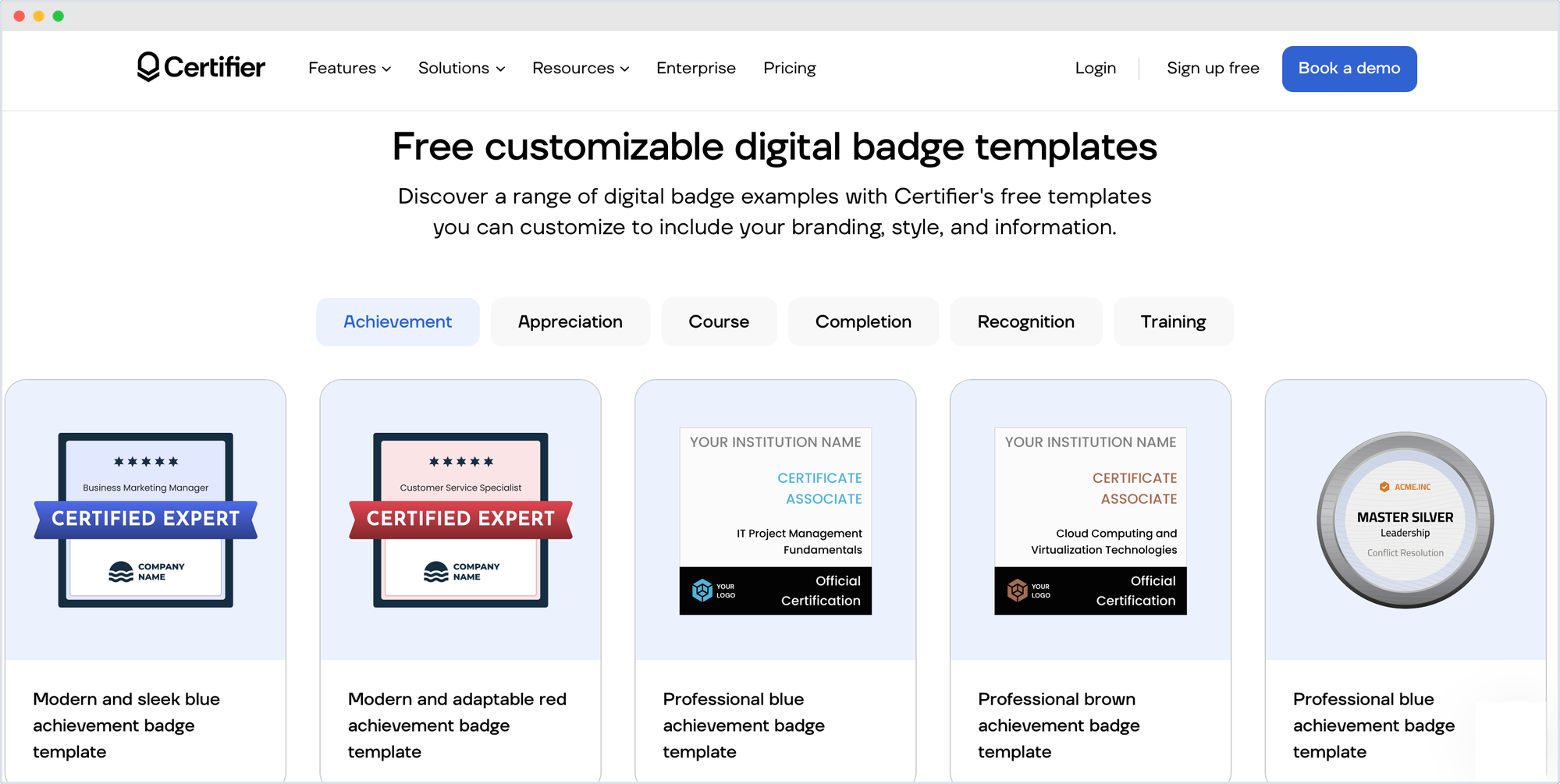
If you like intuitive editors, drag-and-drop design, and automation that just works—Certifier is the tool for you. It’s not only a digital badge maker; it’s a complete credentialing platform that lets you design, issue, verify, and track badges and certificates in one place.
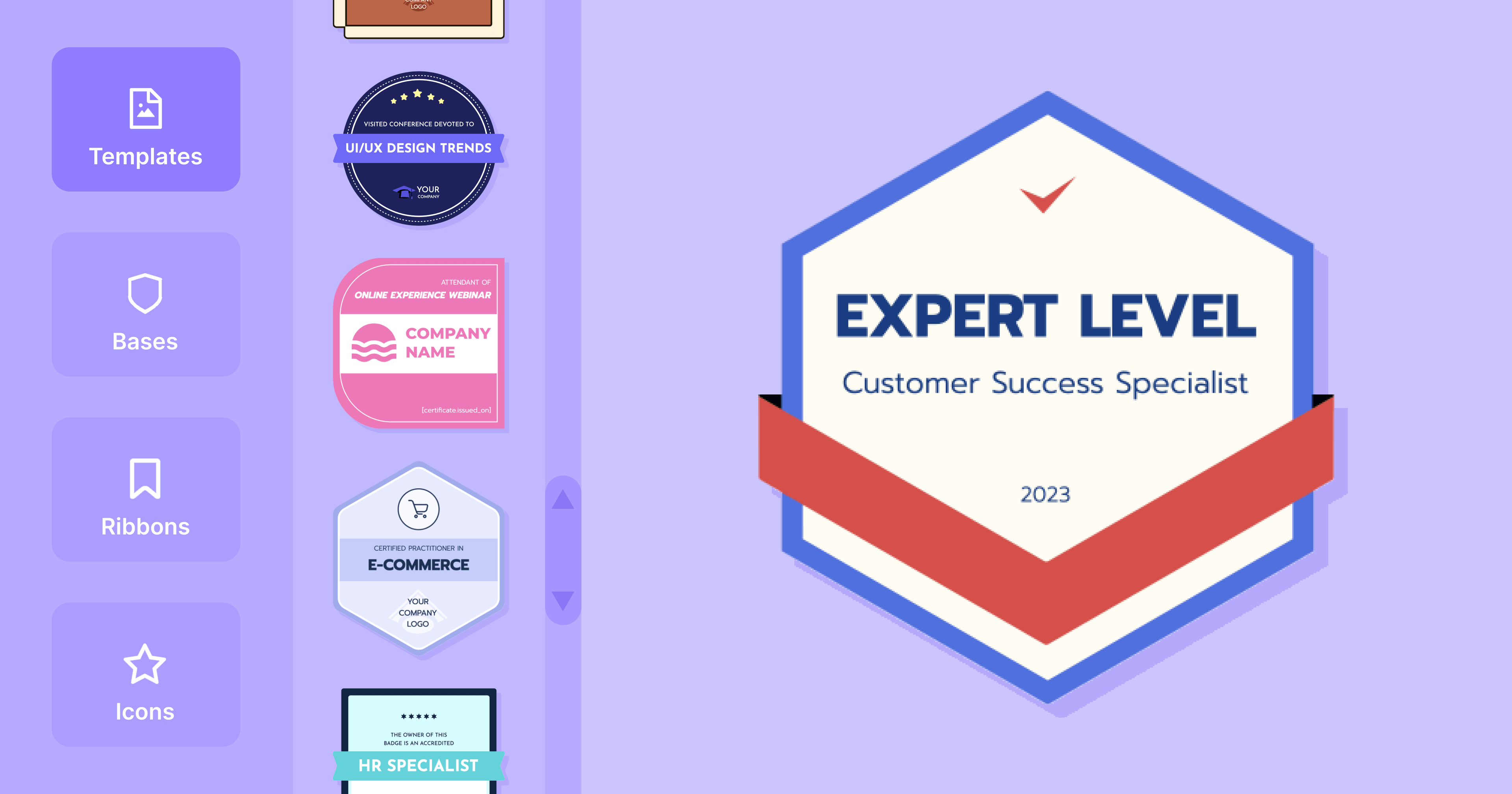
Sign up for a free Certifier account to access a library of pre-made free badge templates or craft your own custom badges from scratch. Choose bases, color ribbons, and icons – and literally generate badges in seconds. With just a few simple steps, create your dreamy badges, send them automatically to the recipients, track the status, and analyze them!
Create and Send Digital CredentialsStart issuing certificates and badges in minutes.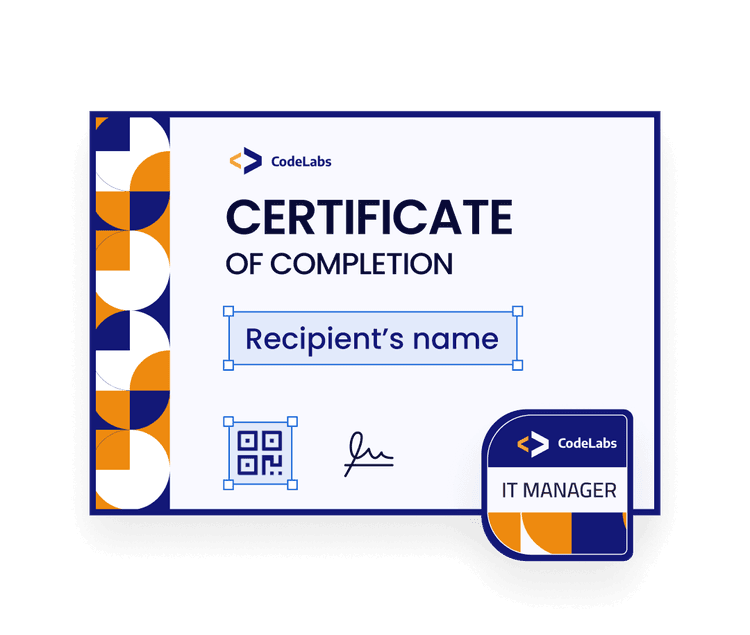
Open Badge 3.0 Compliance: Every Certifier badge meets the Open Badge 3.0 standard, embedding verifiable metadata such as issuer, criteria, and date. This ensures global interoperability, credibility, and one-click authenticity verification across platforms.
Drag & Drop Badge Maker: Certifier’s visual editor makes it effortless to design professional badges without design skills. Users can choose from ready-made templates or customize every detail — colors, ribbons, icons, fonts — all in a simple drag-and-drop interface.
Bulk Issuing & Automation: Organizations can issue thousands of badges automatically. With integrations via API, Zapier, and Google Forms, data import and badge delivery happen instantly.
Smart Tracking & Analytics: Track the full journey of each badge — who received, opened, shared, or verified it. Real-time analytics help measure engagement, reach, and impact, providing insights to improve learning and certification programs.
Free Plan with Full Core Access: Certifier’s free plan includes the essentials—badge design, bulk sending, tracking, and sharing — making professional credentialing accessible to everyone.

Easy to use and super intuitive dashboard with a great custom badge designer
Perfect for beginners — no badge design skills required!
Built for all use cases — from education to enterprise.
Recipient data can be automatically pulled from, e.g., Google Sheet or Excel
Constantly updated free badge templates library (available in Word, Photoshop, and vector formats)
Option to upload your own relevant elements to match the branding even more
Robust certificates maker available as well

Integrations still expanding –– while key tools are covered (Zapier, Google Forms, Zoom), more native connections are on the roadmap.

Free plan: Available
Pricing: Starting at $42/ month, billed annually
Return policy: 30-day 100% money back guarantee
Non-profit organizations receive a 15% lifetime discount (for all plans).
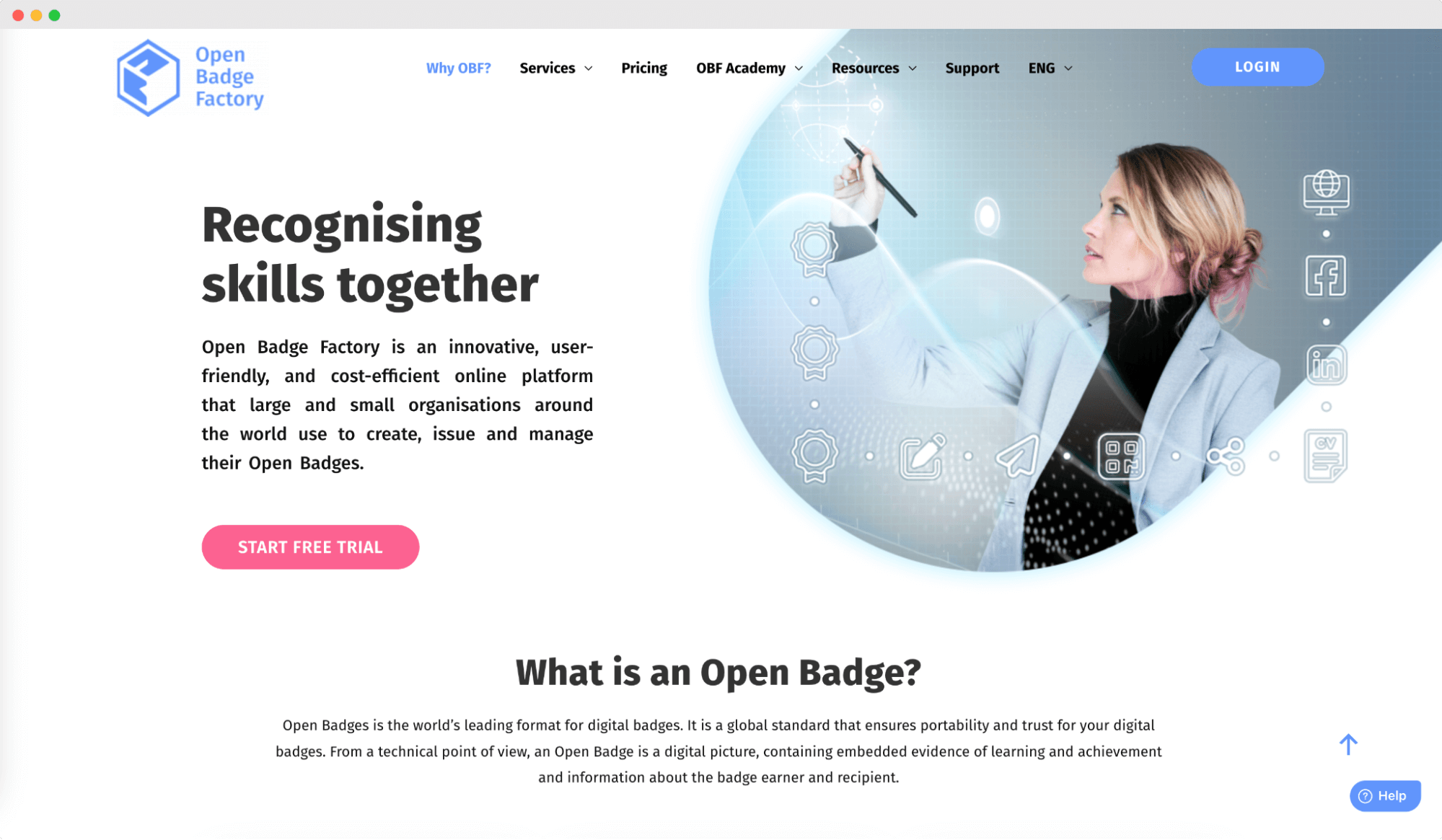
Open Badge Factory (OBF) is a cloud-based online badge maker for creating, issuing, and managing online badges. Organizations can use OBF to recognize and showcase the skills, achievements, and competencies of their learners, employees, or community members.
Open Badge Factory follows the Open Badges standard, which ensures that the personalized badges are interoperable and can be easily shared across various platforms and social media.
Online badge maker software
Issuing and managing badges
Analytics to track badge engagement
Compliance with Open Badges 3. 0 standard
Intuitive badge-making app for users without graphic design experience
Integration with Learning Management Systems (LMS), available on the Pro tier, simplifying the badge issuing and management process
High costs may be a barrier for smaller organizations or those with limited budgets
Long learning curve (users may still need some time to familiarize themselves with the platform and its features)
Potential for platform lock-in, making transferring existing badges and data problematic
We've tried to find some verifiable reviews on platforms like G2 Crowd and SourceForge, but OBF still has just one review. Please gather feedback and public reviews before using any type of digital badge software.
Free plan: Not available
Free trial: 60 days available
Pricing: Starting at €220 per year (Basic)
Return policy: No information available
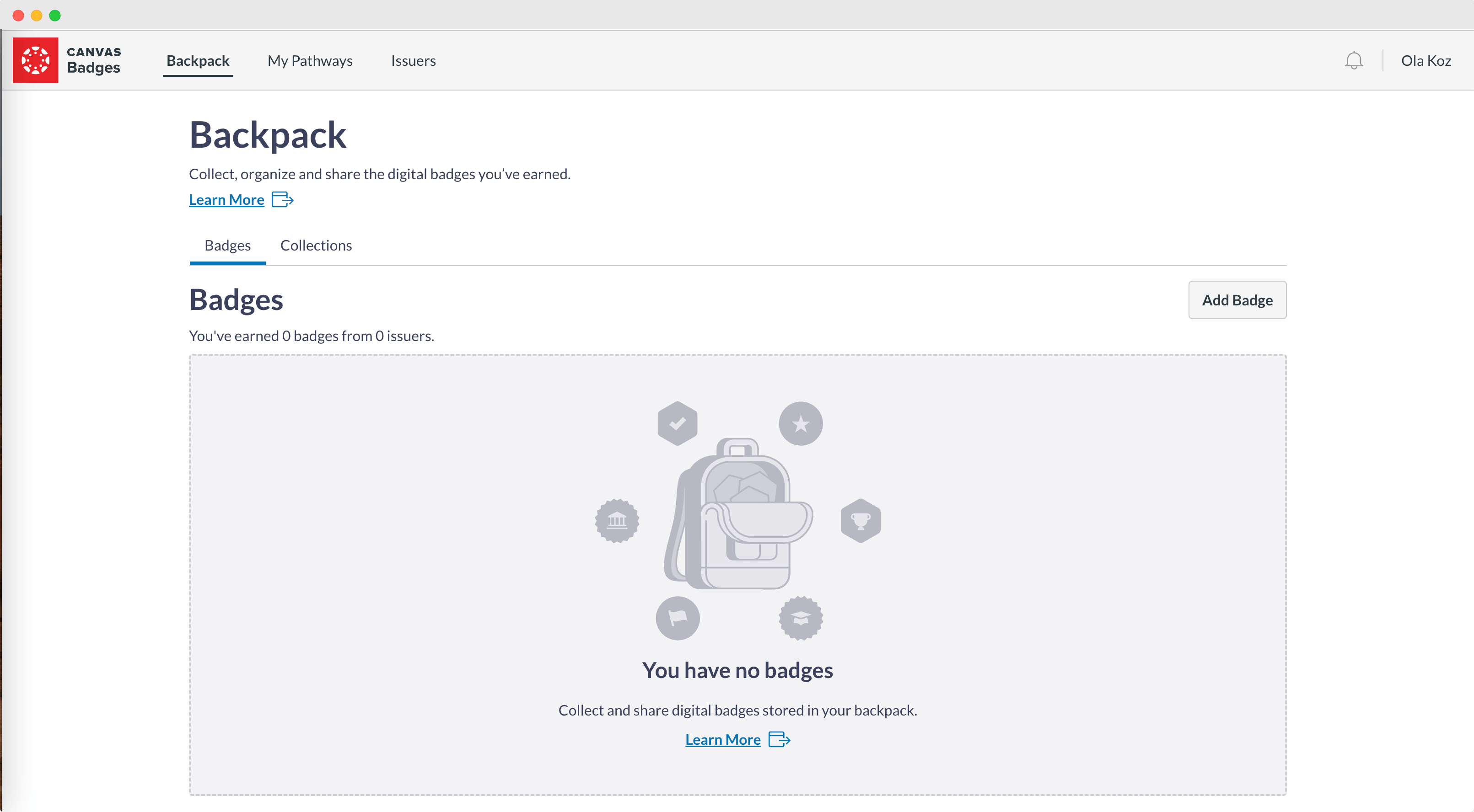
Canvas Badges (formerly known as Badgr) is a digital badge maker that enables organizations, educational institutions, and individuals to create, issue, and manage digital badges. These badges can be used to recognize and showcase various skills, achievements, and competencies.
Canvas Badges is a part of the Canvas Learning Management System (LMS) ecosystem, and it can be integrated with Canvas LMS for a more seamless badging experience.
If you're looking to automate the issuance of badges from Canvas LMS without increasing admin burden, you can check Certifier's native Canvas integration which lets you issue credentials when modules are completed.
Data-driven insights to track and measure badge usage
Secure badge issuing platform
Compliance with Open Badges standard
Interoperability with various Credential Backpacks
Easy integration with Canvas LMS
Limited integration with non-Canvas LMS
Limited control over the badge logo design makes it difficult to customize badges to the business requirements
Lack of transparency – no public pricing information and no reviews available
Canvas Badges is a reliable digital badge software. Its users particularly highlight such advantages as easy organization, clean UI/UX, and top-notch accessibility.
Pricing is not available for public information. You need to fill out the form on the website to inquire about subscription pricing, consulting services, and support.
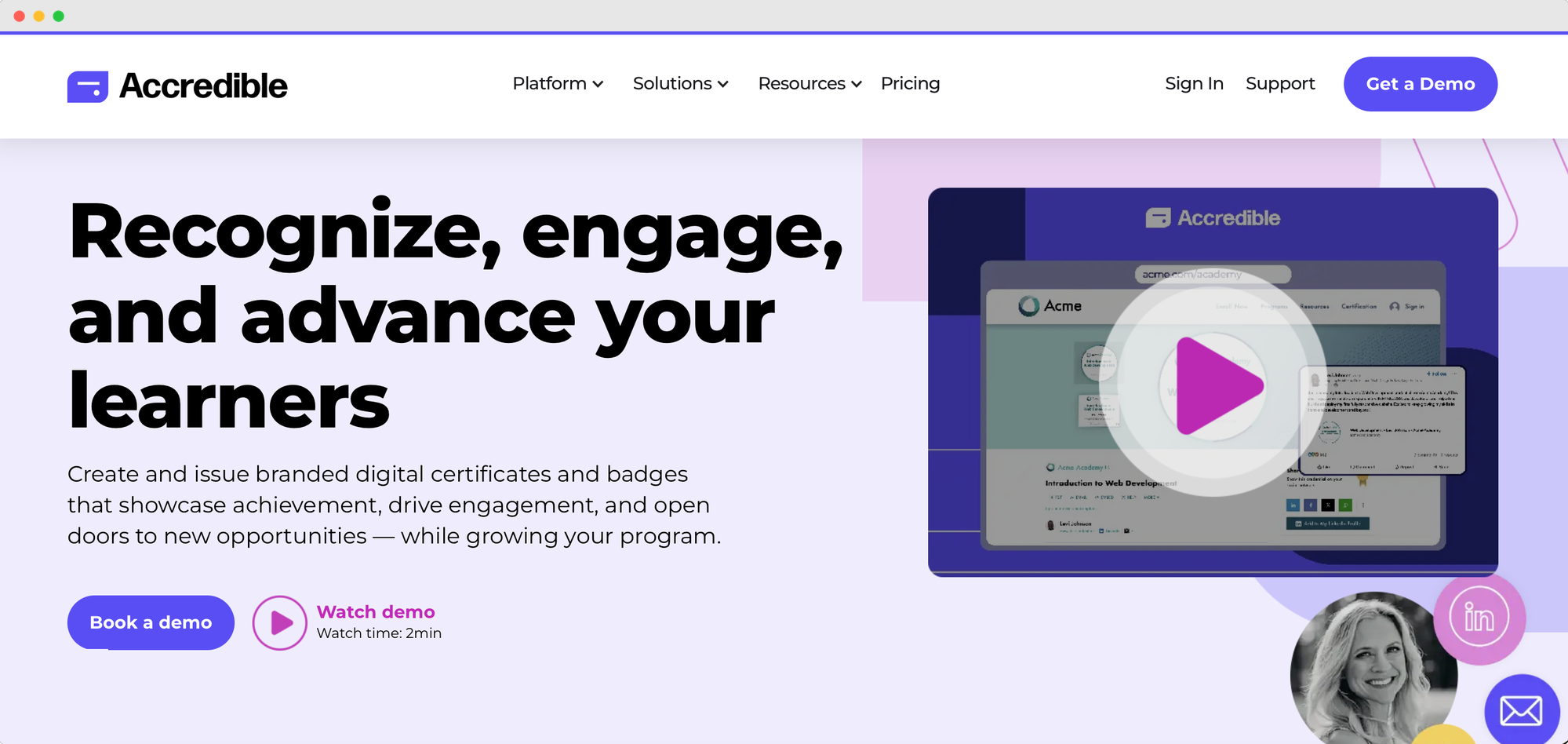
Accredible is a credentialing platform aimed at organizations issuing at scale, such as universities, professional associations, and product certification teams.
Design, issuing, verification and analytics sit in one place, while the pricing works differently from most tools on this list: you pay per recipient, not per credential. Send the same person four badges and a certificate in a year and it still counts once.
Unlimited credentials to each recipient inside your annual allowance
Unlimited badge and certificate designs on every plan
Pathways to group courses into a sequence
Blockchain credentials and issuer verification on every tier
Standard integrations with Moodle, Canvas, Zapier, Thinkific, WordPress and Kajabi
Digital wallet cards for Google Pay and Apple Wallet
Paying per recipient rather than per credential works out well if you issue several credentials to the same people
Self-serve entry plan
SOC 2 reports available on every plan
Certified for Open Badges 3.0 by 1EdTech
Mature reporting across activity, engagement and marketing reach
No free plan and the cheapest way in is $45/month on a 12-month commitment
Only the entry plan has public pricing
API access is a paid add-on on the entry plan
Primary branding and white-labeling are add-ons or higher-tier only
50 recipients on the entry plan is a low ceiling for most programs
"User-friendly credential management, but limited features in basic plans" (G2)
Free plan: Not available
Pricing: Satrting at $45/month, billed monthly on a 12-month term (50 recipients); Connect and Growth are custom
 Credly is a digital badge platform that enables organizations, educational institutions, and certification providers to recognize and showcase skills and achievements through digital badges. Credly platform (called Credly's Acclaim) offers a range of features to create and monitor all aspects of your credentialing. It also offers an online marketplace where users can showcase their badges.
Analytics and insights into badge engagement
The network that increases badges' credibility and value
Design skill tags that streamline badge search
Digital social media sharing
Creating personalized badges and their metadata is easy
Ability to consolidate earned credentials on a single platform
Lack of transparent pricing information on their website
Limited options for customizing your organization's branding
Lack of features for creating and managing digital certificates, excluding badges
No monthly payment plans
Price may be a barrier for smaller organizations
Badge design options might be limited compared to other software
“The data and analytics aren't super clear.” (G2)
Credly pricing is not available on their website, so you need to fill out the form to get more information about the pricing details.
Read more about Credly: Credly Pricing and Costs: Is Credly Worth It in 2026? (+ 8 Alternatives)
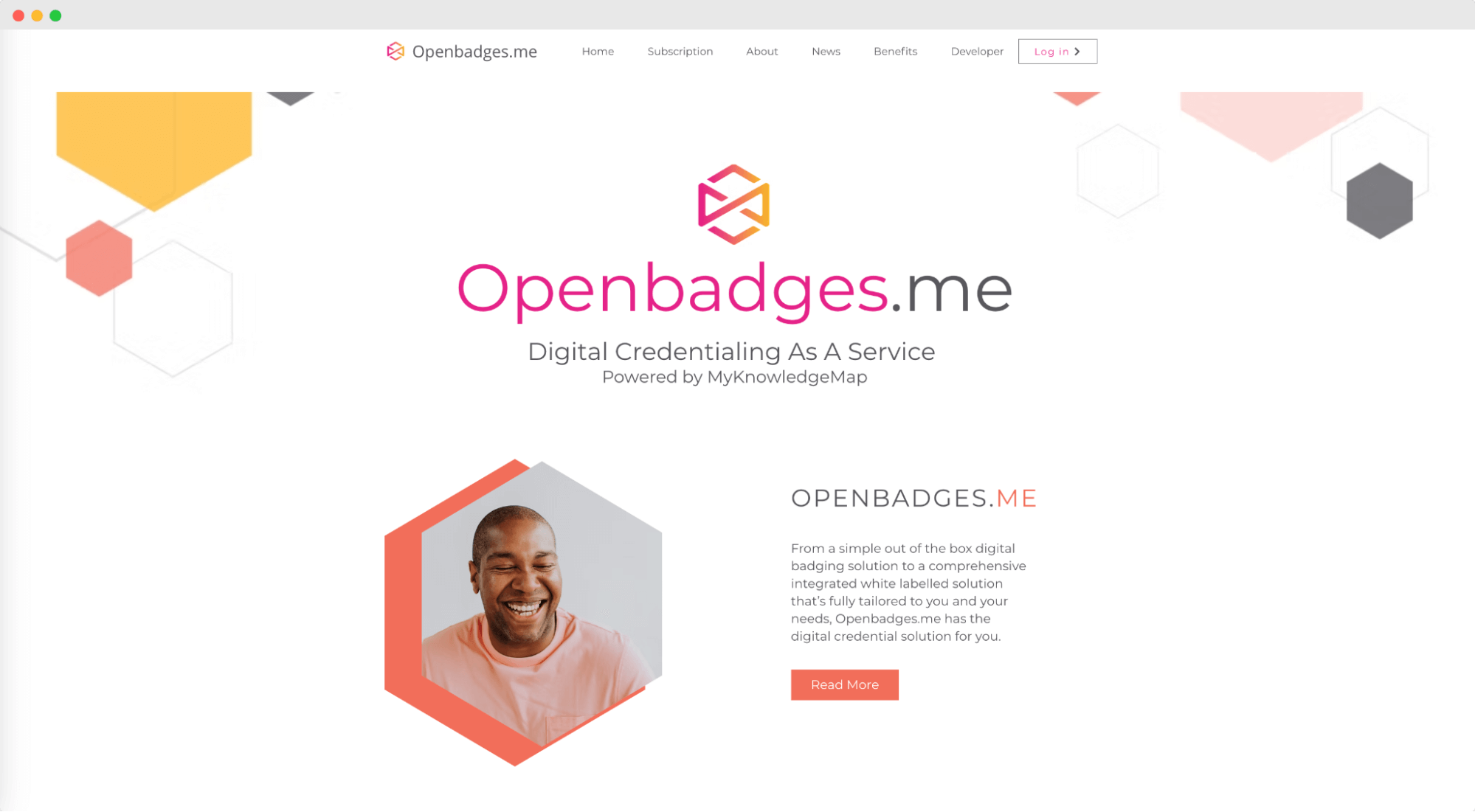
Openbadges.me is a badge design and issuing platform built by MyKnowledgeMap, a UK software company based in York. It’s easy to confuse with the Open Badges standard itself. That standard was created by the Mozilla Foundation while Openbadges.me is one of many tools that implement it.
Embedded Metadata that provides information about the badge
Issuing Open Badges through tasks, assessments, and portfolio submissions
Backpack for storing badges
Easily sharing across different platforms and systems
Used to represent a wide range of skills, from formal qualifications to informal learning experiences
Admin system for managing users, organizations, and roles
Limited badges design editor
Outdated design templates to choose from
No customization options, so you don’t have the freedom to design badges the way you want
We checked platforms like G2 Crowd, Clutch, and SourceForge for authentic reviews of Openbadges.me experience with design but came up empty. The only available testimonials are the two case studies featured on their website.
Free plan: Available
Free trial: Not available
Pricing: Starting at $55/month
Return policy: No information available
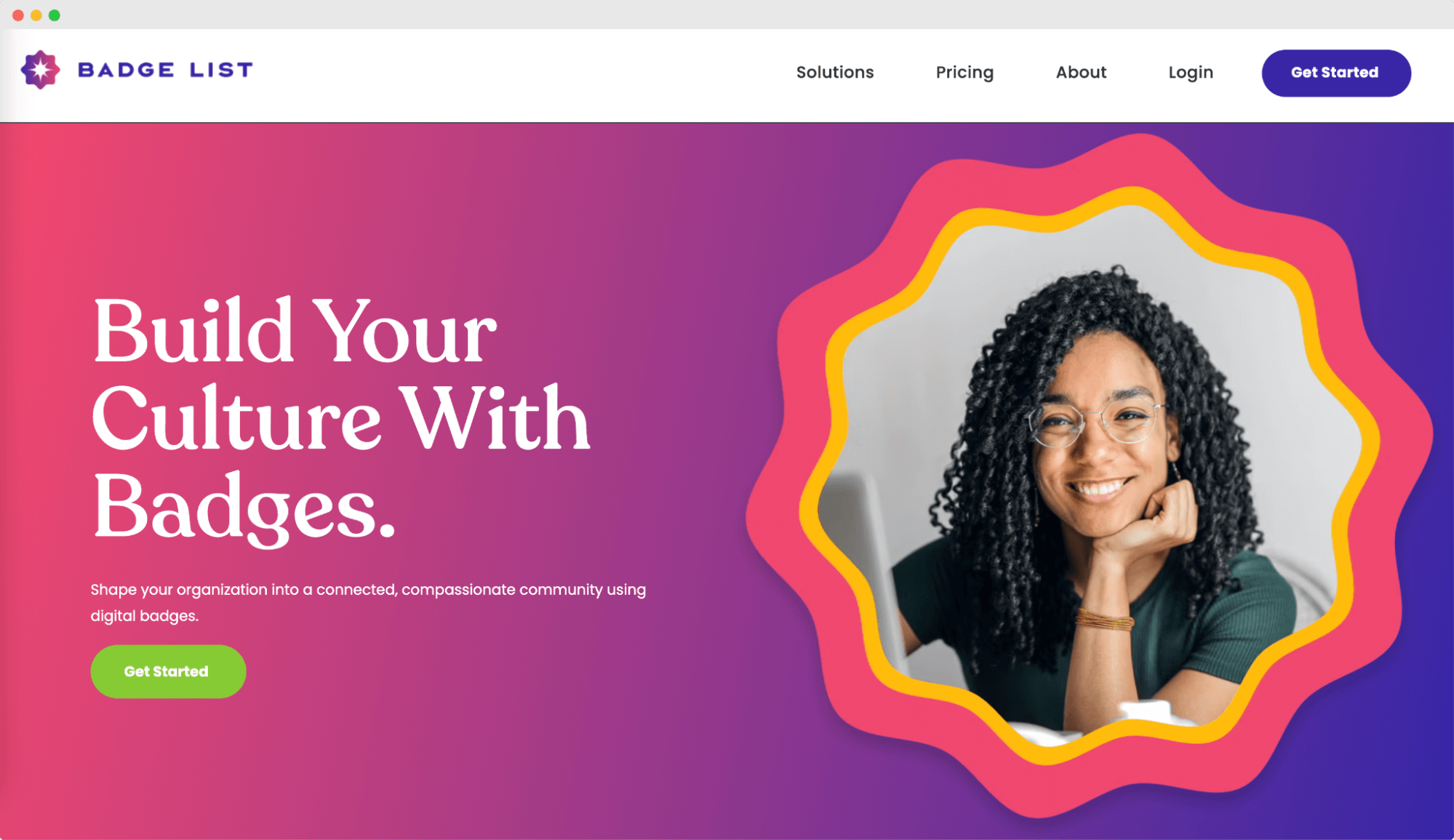
Badge List is a powerful online badge maker that enables educators to create and manage Open Badges. It helps them to recognize and guide students' learning achievements, providing learners with a sense of accomplishment and motivation to continue their educational journey. With Badge List, educators can design and issue badges, track progress, and provide targeted feedback to their students in a streamlined and efficient manner.
Easy badge creation process
Badge-sharing features
Robust automation features
Custom badge design editor that matches the branding
Supporting evidence is included with every badge
Tracking system to see exactly who and when earned the credentials
You cannot start using the system from the get-go (even the free trial); you have to wait for the information from the team instead
No reviews available
Badge List reviews from reliable sources are not available.
Free plan: Available
Free trial: Not available
Pricing: Starting at $180/month per plan (Team, which includes 3 admins), or $1,980/year
Return policy: No information available
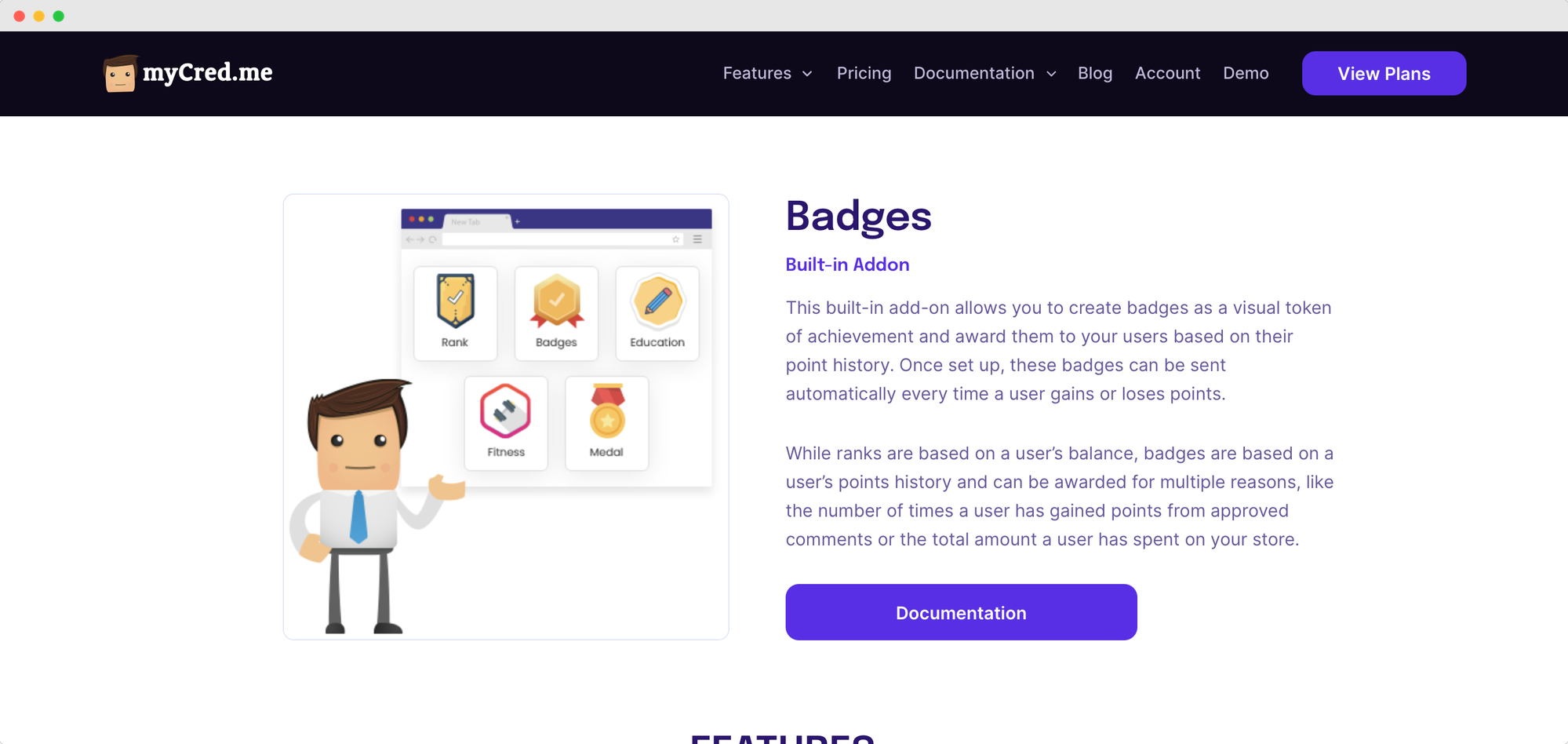
myCred is a points, loyalty and gamification plugin for WordPress from WPExperts. Its Badges add-on is built into the free core plugin: you design badges in a built-in editor and award them automatically from a member's activity history — approved comments, purchases, course completions — rather than issuing them one at a time.
Badge levels let the same badge be earned repeatedly under different criteria. It’s a different job from the rest of this list: the badges live inside the site you already run, rather than being portable credentials a recipient carries elsewhere.
Ready-made badge design icons
Super simple to use
One-time payment
Requires a self-hosted WordPress site
Badges are awarded inside your website rather than as externally verifiable, portable credentials
“My experience is neutral” (G2)
Free plan: Not available
Free trial: Not available
Pricing: Starting from $100/year
Return policy: 14-day money back guarantee
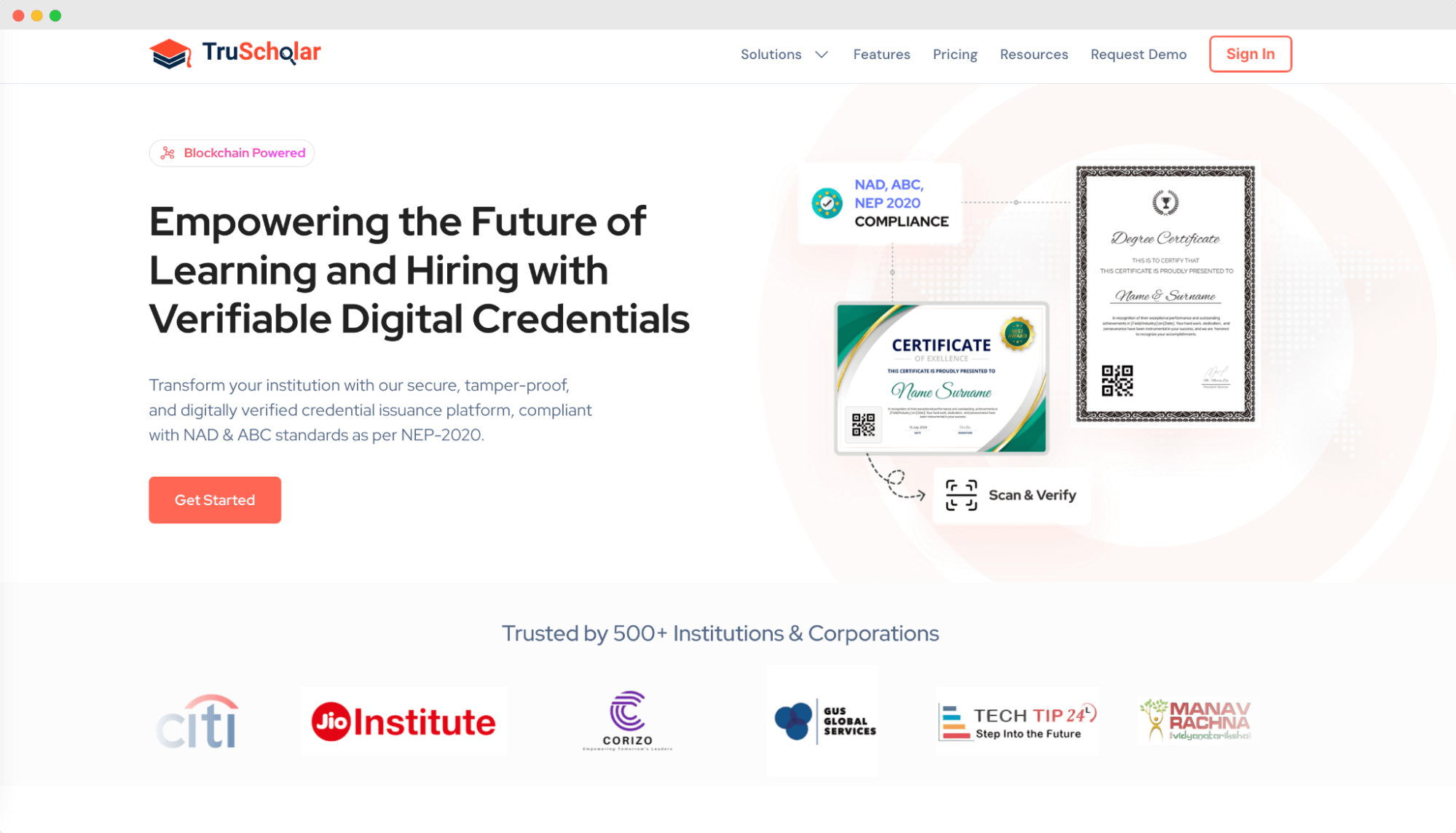
TruScholar is India's first home-grown digital badge maker. These badges follow the structure and guidelines of the open badges standard, allowing for fast and easy recognition of skills. With TruScholar, recipients can establish a digital identity and transfer their skills globally. While TruScholar offers great potential, it's important to note that some technical expertise may be required.
Tamper-proof digital badges
Extra security features
Sharable and customizable digital badges
Seamless integration with the existing tool stack
Bulk badge issuance
Metadata of badges available
Basic, quite amateur design of sample badges
Troublesome interface
Limited customization options
“Sometimes it tends to be slow” (G2)
Free plan: Available
Free trial: Not available
Pricing: Custom pricing, depends on features
Return policy: No information available
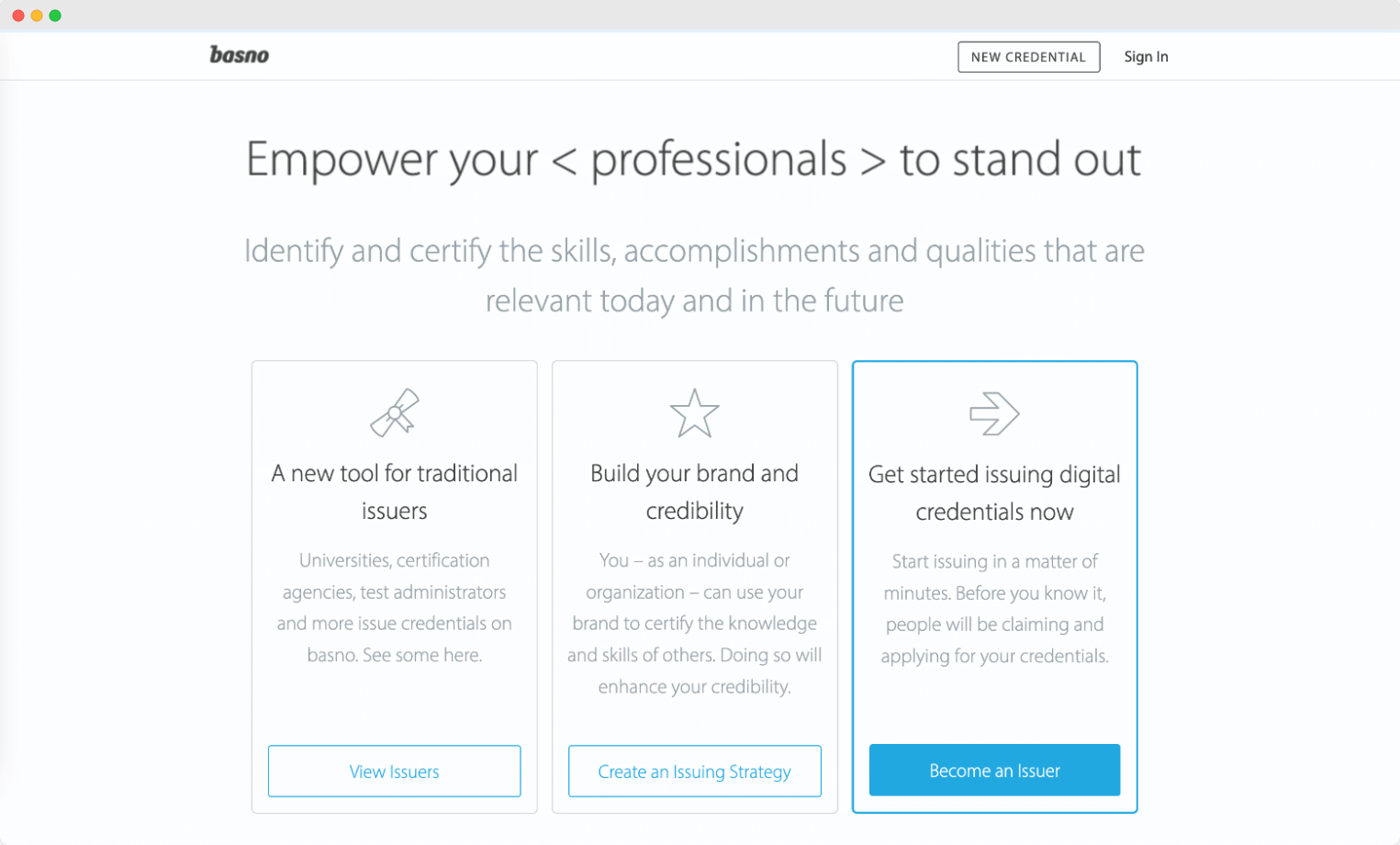
With Basno digital badging software, companies can create digital badges that highlight individuals' skills and accomplishments and distribute them in quite an easy way. It provides employers and others with peace of mind by verifying that each badge is legitimate. There isn't much to its badge editor, but it can be enough for those who just need basic editing capabilities.
Badge making app
Badge distribution
Badge issuing and tracking
Network of professional designers (additionally paid by the hour)
Automate targeted badge invitations
Invitation email tool
Customization is available only on the highest plan ($415/mo)
We couldn’t find any reliable reviews about Basno.
Free plan: Not available
Free trial: Not available
Pricing: Starting from $55/month (Pro)
Return policy: You can cancel renewal or switch plans
Create and Send Digital CredentialsStart issuing certificates and badges in minutes.
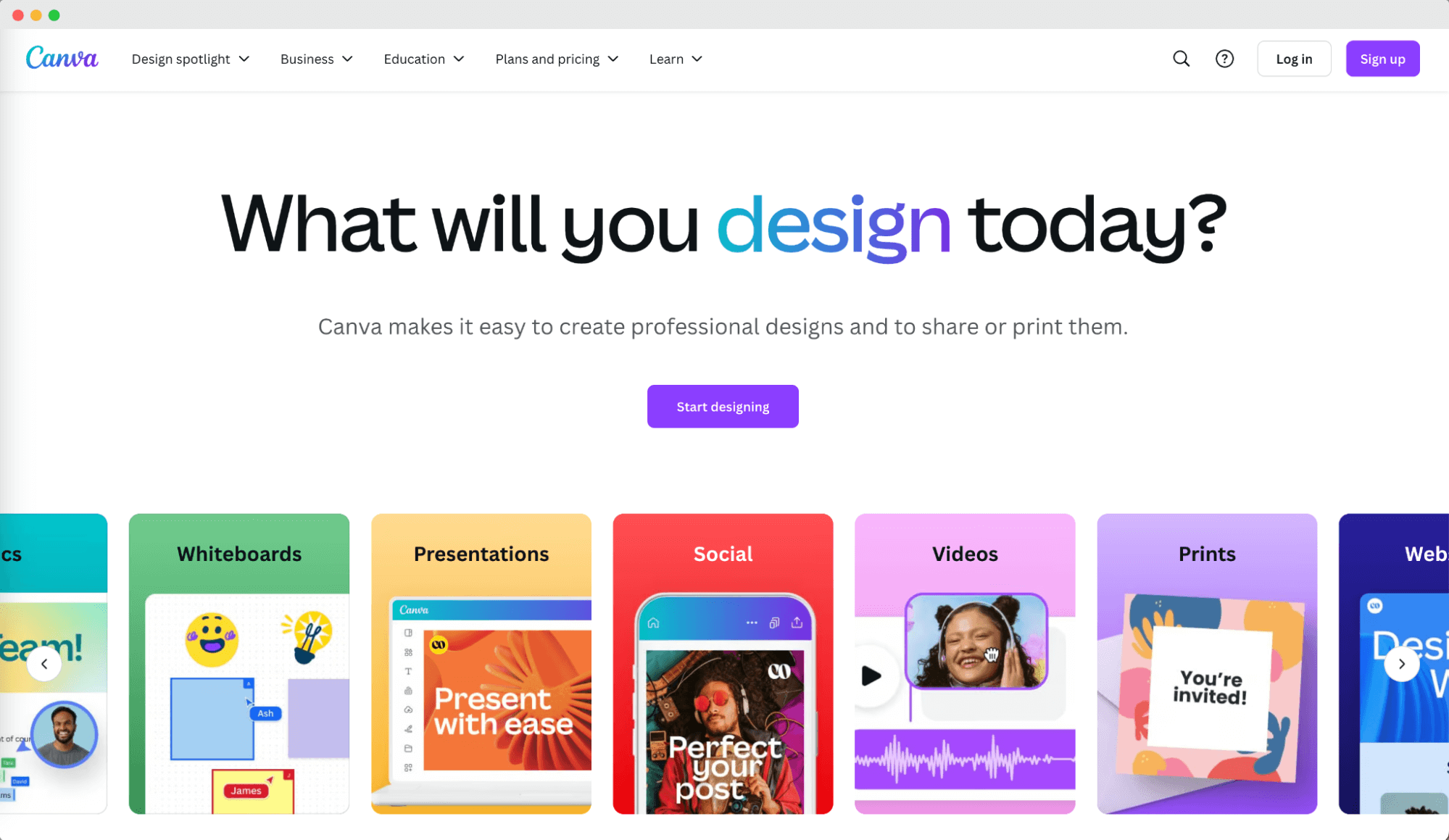
Canva is a popular platform for designing graphics and visual content. It likely saved your life many times over. No wonder – it’s easy to use and readily accessible. It’s an amazing platform for crafting graphics, banners, and a plethora of other visuals for businesses.
However, it falls a bit short of the best badge maker. You won’t be able to send them in bulk or analyze their performance. It gives you just the badge project, nothing more.
Intuitive interface
Extensive library of elements
Great UI and super simple interface to use
Regular updates
Collaboration features
Badge templates available
No issuing options
No tracking and analytics
There is no compliance with Open Badges standard
“Canva has a simple, intuitive interface that makes it easy for users to create and edit designs.” (Capterra)
Free plan: Available
Free trial: Available
Pricing: Starting from $15/month (pricing can differ depending on your region)
Return policy: You can cancel the plan anytime
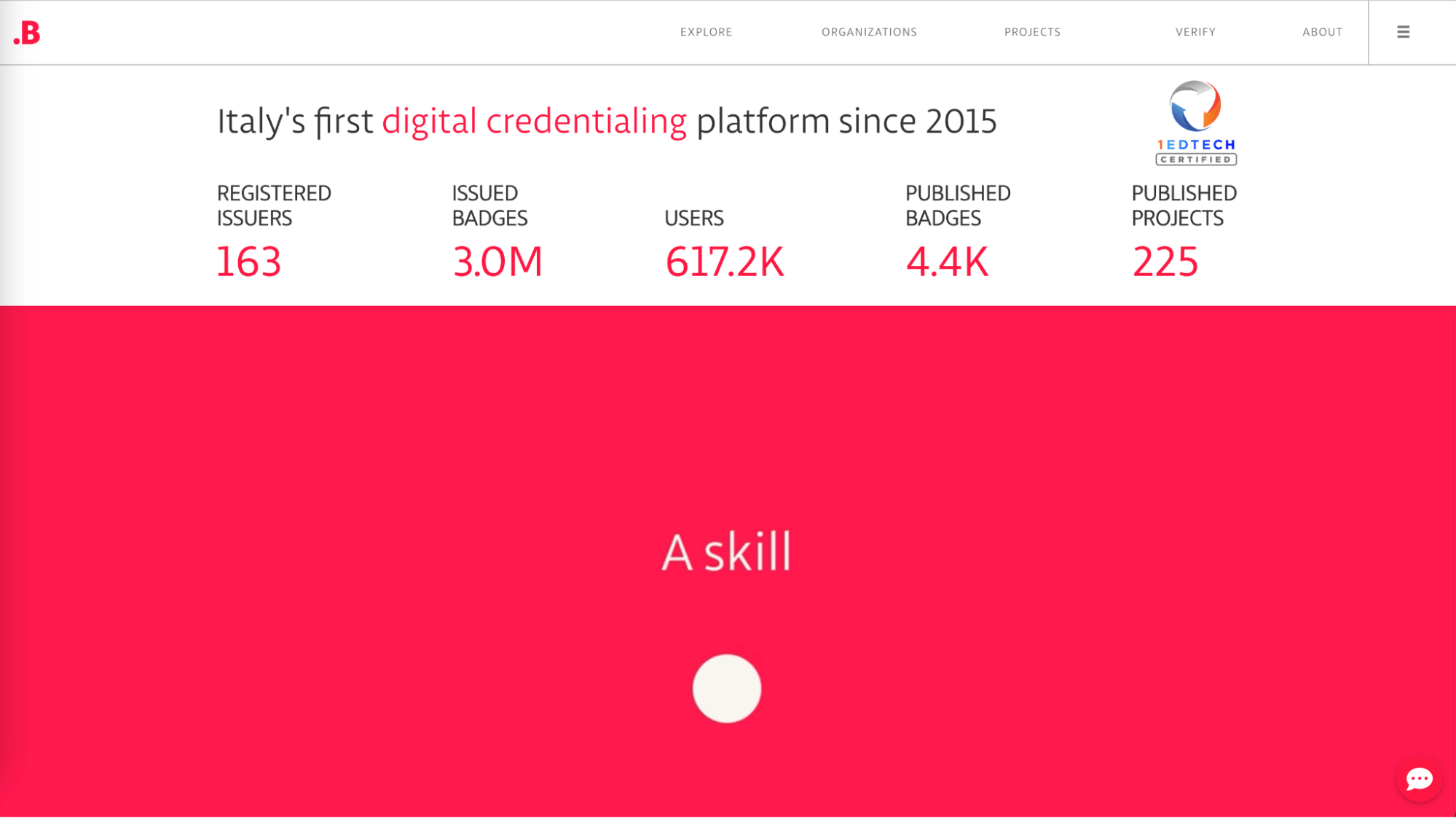
Bestr is a digital badging software from Italy that aims to showcase and connect competencies acquired through higher education with employers. Bestr serves mainly universities, research bodies, recruiters, and learners, offering benefits such as highlighting and certifying competencies, providing verified and portable badges, and facilitating the recognition of valuable experiences.
Badge verification
ePortfolio
There is a library of badges available with the number of times they have been issued
Easy verification process
High safety standards
No editing options
No analytics and tracking features
No default sharing options are enabled to streamline adding badge to LinkedIn or other social media platforms
We couldn’t find any reliable reviews about Bestr.
Bestr pricing is not available to the public. You have to contact the vendor for more details.
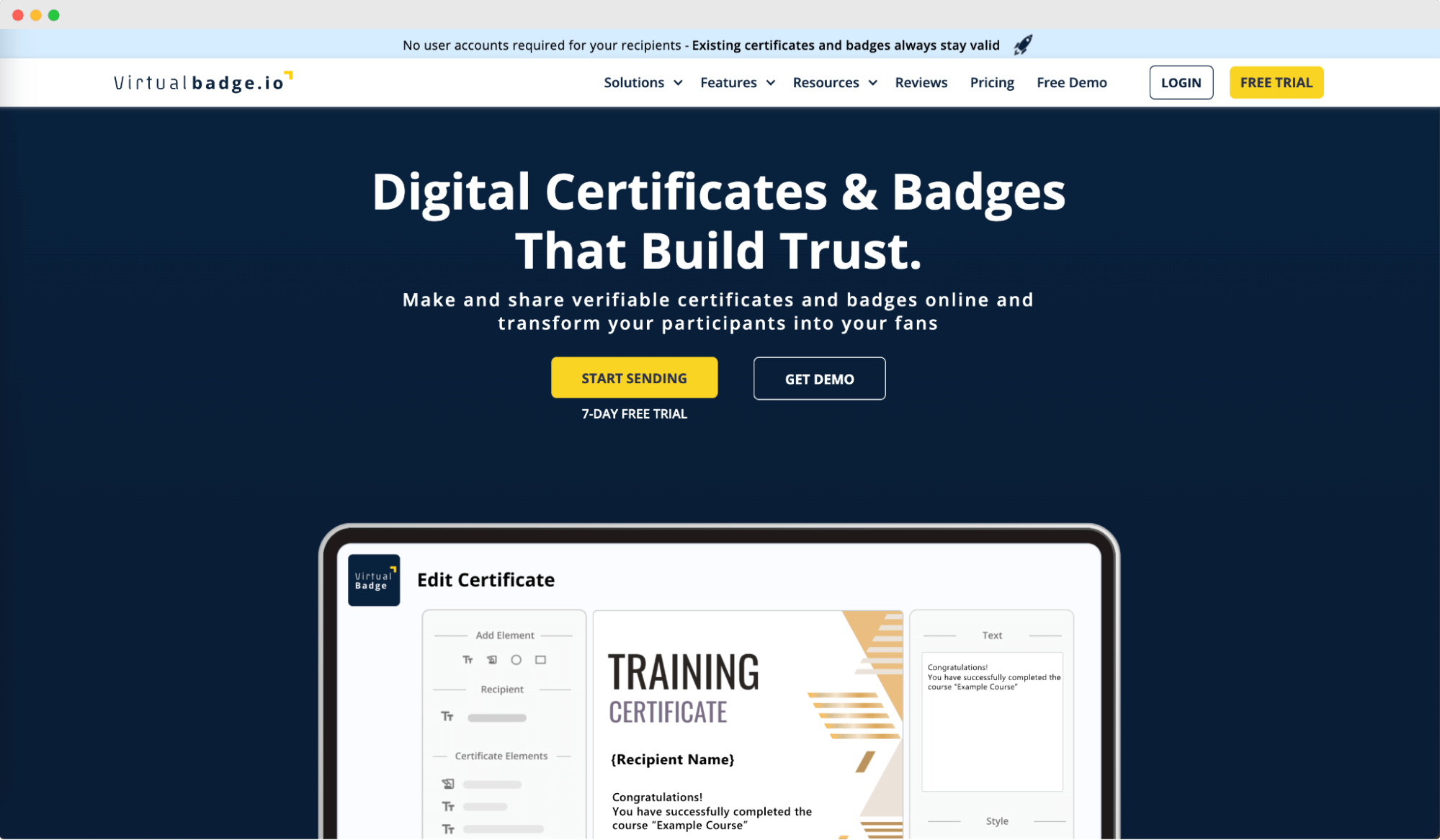
Virtualbadge.io is a solution for digital badges. Besides having an intuitive badge designer tool, it’s quite limited in options. But, there is a very good focus on sharing there.
Recipients can easily share their badges on social media platforms with just one click without needing to create an account. This badge maker even allows users to suggest hashtags and post texts for recipients' LinkedIn digital badges, maximizing the sharing rate.
Intuitive badge designing tool
Badge distribution
Badge templates available
Integration with popular tools (Zapier, Zoom and API access start on the Growth plan at $49/month, not on Lite)
Optimized sharing
Private-label
Limited in badge design features
Outdated badge templates
“VirtualBadge could be improved in terms of design.” (G2)
Free plan: Not available
Free trial: 7-day free trial available
Pricing: Starting from $26/month (Lite), billed annually for up to 300 badges/year
Return policy: No information
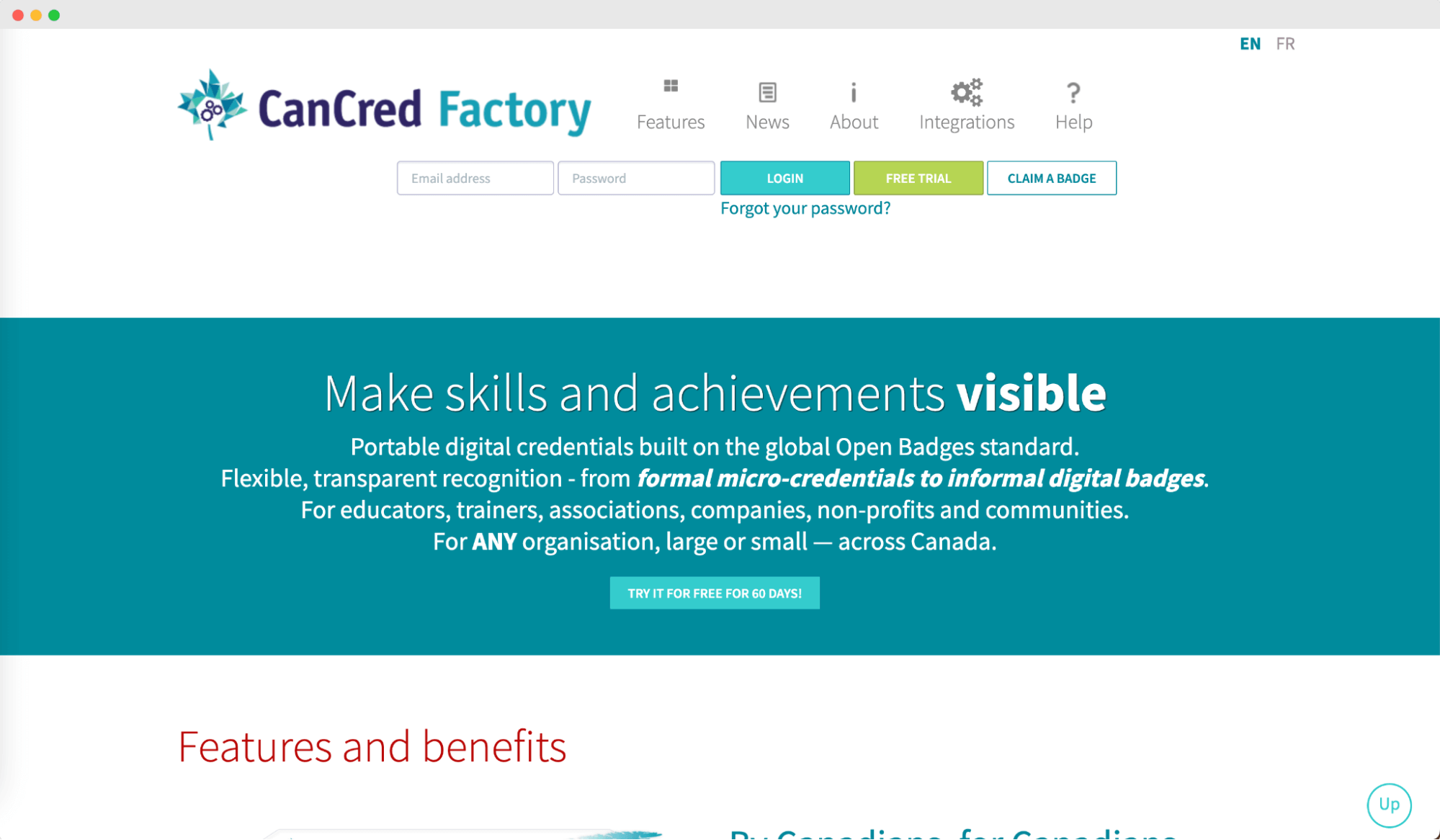
On this slightly obsolete website is hidden CanCred – a digital badge software that allows for making, giving out, and handling digital badges for both formal micro-credentials and non-formal badges.
With CanCred Factory, organizations can acknowledge learning accomplishments across different platforms in one convenient spot. Also, the CanCred Passport gives badge earners a free way to store and share their credentials, as well as build career portfolios.
Multilingual badges
Alignment with key public frameworks
CanCred Passport
LTI integration and free plugins for popular eLearning systems
PDF badges
It may not offer the same level of support and features for users outside Canada
Outdated design elements with limited options
We couldn’t find any reliable reviews about CanCred.
Free plan: Available
Free trial: 60-day free trial
Pricing: Starting from $395 CAD/year
Return policy: No information
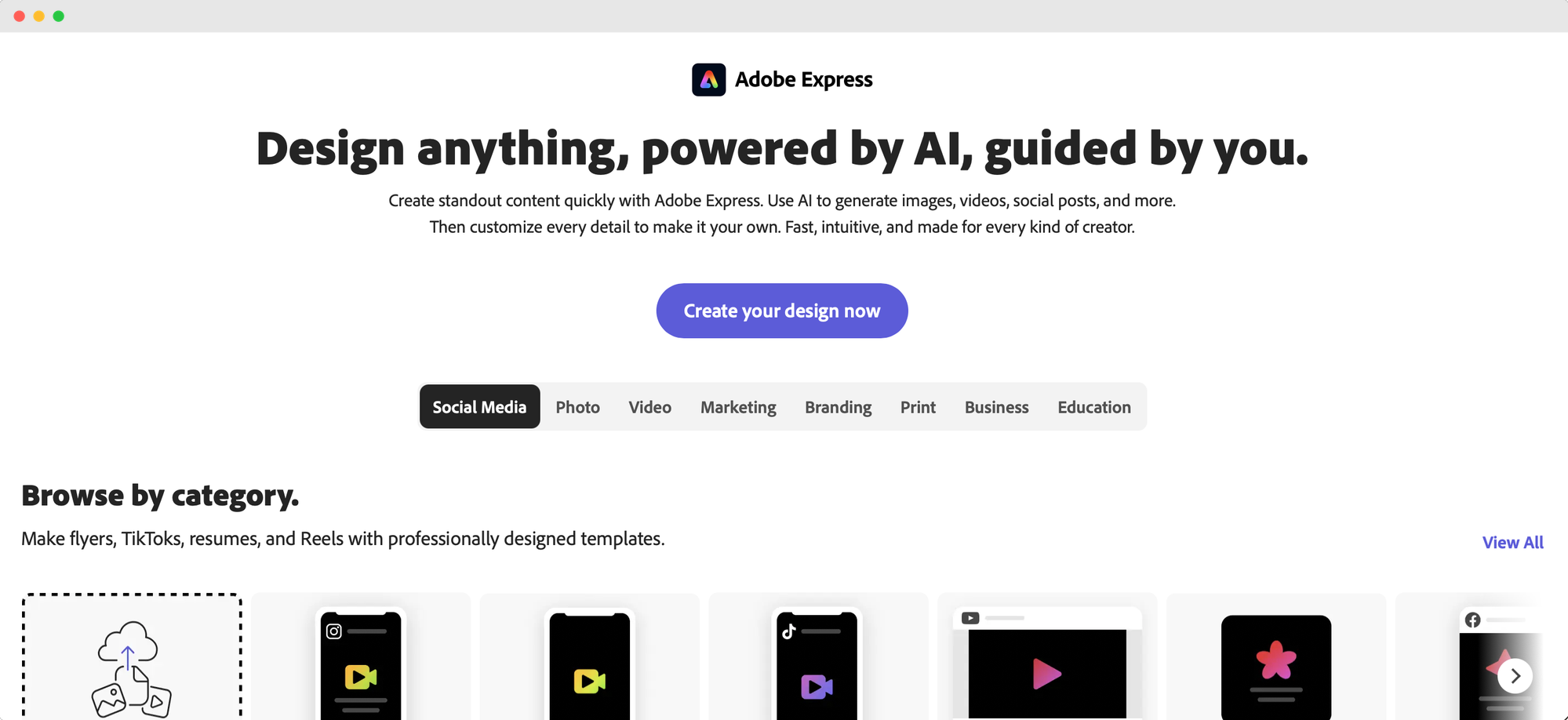
Adobe Express is a browser-based design app with a dedicated badge template library. It belongs in a different category from most tools here: it makes the artwork and stops there. Nothing issues the badge, tracks it, or verifies it.
If what you need is a badge image to hand to another system or to a platform like Certifier that does the issuing that is often exactly the job. We have a full walkthrough in How to Make Badges with Adobe Express if you want the step-by-step.
Dedicated badge logo template library
100,000+ templates and 1M+ royalty-free Adobe Stock assets on the free plan
4,000+ Adobe Fonts free; the full 30,000+ collection on paid plans
PNG export with a transparent background — set the background to "no fill"
Works in a desktop browser and on mobile, with 5GB storage on the free plan
The free plan is genuinely usable, with no credit card required
Transparent-background PNG export, which plenty of free design tools gate or block
Adobe's stock and font libraries at no cost
Familiar territory for anyone who has used an Adobe tool before
No SVG export at all — PNG, PDF, PPTX and HTML only, so there is no scalable vector file for print
No issuing, no tracking, no analytics
No Open Badges compliance; the output is an image file, not a verifiable credential
Premium templates, the full font collection and brand kit sit behind the paid plan
“Adobe Express: Effortless templates for fast, professional designs” (G2)
Free plan: Available
Free trial: Available on the paid plan
Pricing: Starting from $10.99/month for individuals, $11.99/month per licence for teams
Return policy: Cancel anytime
So, have you made a decision yet? With so many online badge makers out there, it's easy to feel overwhelmed. However, we hope that our list has at least made the decision-making process a little bit easier for you.
Just a quick reminder: with Certifier’s digital badge maker, you can get started right away without providing any credit card details. Start for free and see why Certifier is the top choice.

- B2B SaaS marketing
- Digital Credentials
- Content Strategy
- On-page SEO
- Lead Generation
Chief Marketing Officer
Aksen leads marketing at Certifier, bringing 7+ years of experience with global brands to position digital credentialing as a trusted solution for training providers and educational institutions.


